AIRA Agentic App Development
AIRA is an agent-based development system that works alongside the traditional design-first workflow. AIRA is not one AI. It is a coordinated system of specialized agents, each responsible for a specific domain in WaveMaker app development.
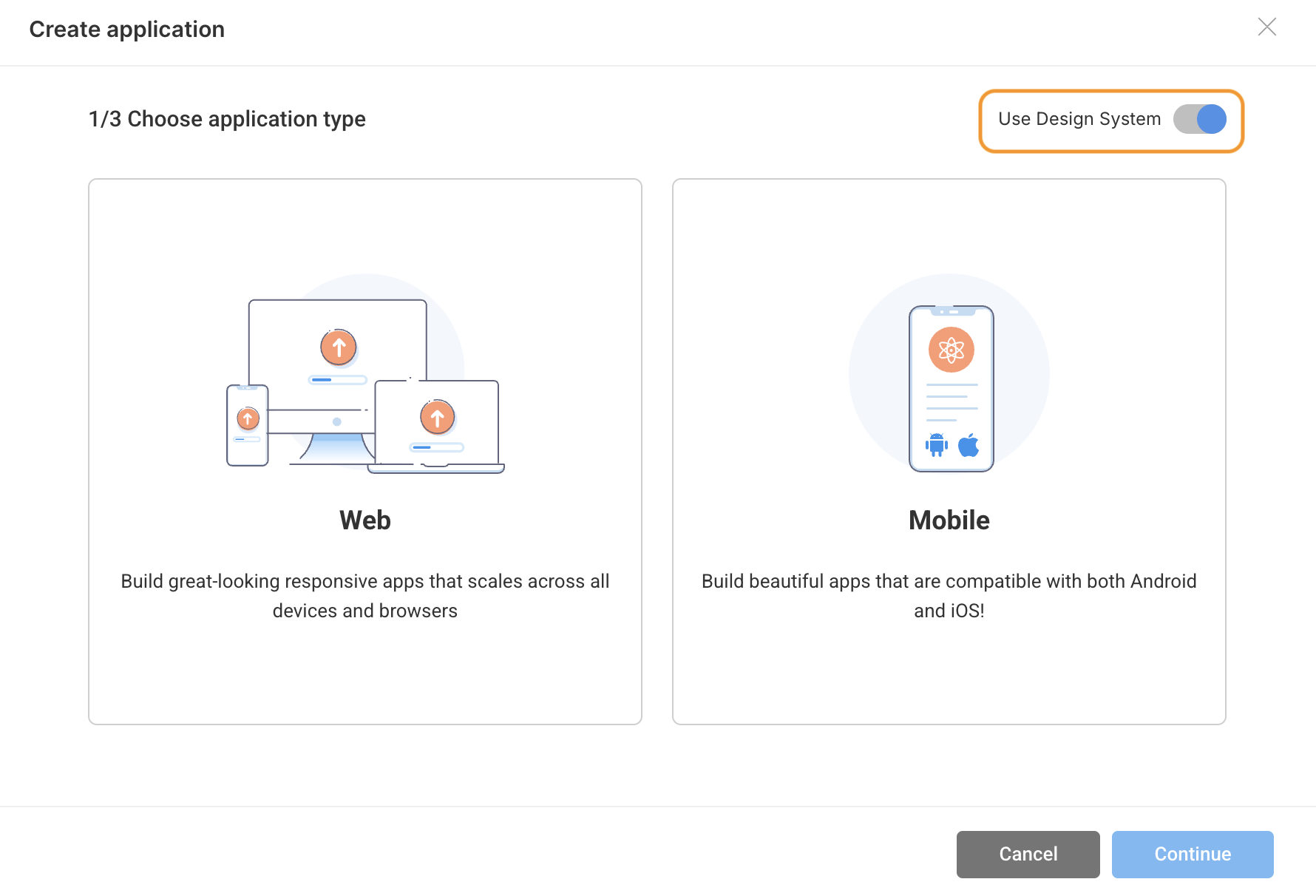
Right now, AIRA can be used only for design system projects when creating a new application.
For New Applications
AIRA works best when you are starting an application. For small apps or the early stages of a larger one, it gives you a fast, usable starting point instead of an empty project.
It can generate ready-made screens, basic CRUD flows, layouts, bindings, and navigation, along with a clean file and folder structure. This removes the blank-canvas problem and helps users move forward quickly. That is a real advantage, especially for new users.
Using Aira For Larger Applications
Larger applications benefit from AIRA, just in a different way. Big apps are not built in a single pass, and AIRA is not meant to generate everything at once.
Instead, it helps by generating individual features, updating specific screens, and modifying one workflow at a time. It supports iterative improvements, reduces repetitive UI and backend work, and helps keep files consistent across pages.
AIRA is your app co-developer, not your app generator.
User Control and Modifications
Users have control, but only at specific points:
- Before execution: You can modify the plan through prompts.
- After completion: You can give new prompts for new changes.
- During execution: You can’t stop or change anything mid-way.
For different tasks, start a new chat using the “+” button.
Use the same chat only if the new request builds on the existing context.
Long chats slow things down, so smaller focused sessions work best.
Current Limitations and Support
Here’s what AIRA can and cannot do today:
- It cannot create new databases.
- CRUD actions are limited — check the YAML file for the full list.
- It can use existing APIs, including database APIs.
- Supported web frameworks:
- Angular is the default (for Prism and non-Prism projects).
- React is available in beta and must be turned on manually.
- Your past chats are available through the recent chats dropdown.